Office-concert video from your photos
Turn Your Photos Into an AI Tiny Desk Performance
Tiny Desk AI turns a lead-singer photo into an original, intimate office-concert-style five-piece performance. Four AI-generated bandmates are ready by default, and you can replace any supporting role before creating a short video with audio.
- 1 required + 4 optional
- 10 / 15 s
- 9:16 · 16:9
- 480p–1080p
01The cast
Build your band
Your lead singer, with four ready-to-play AI bandmates. Change any supporting photo to make the band your own.
- Add lead photoLead singerRequired
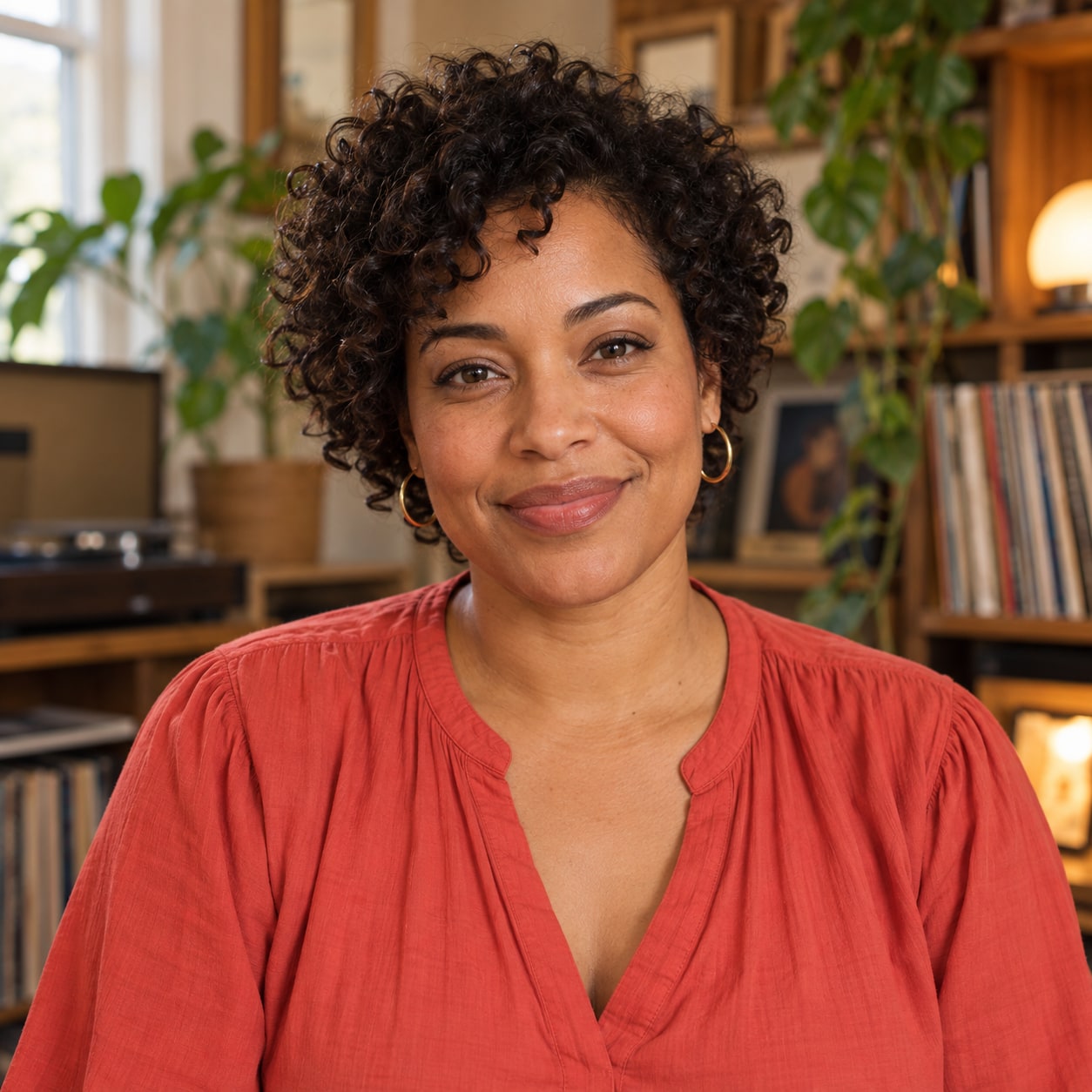 Backup singer 1AI-generated · default bandmate
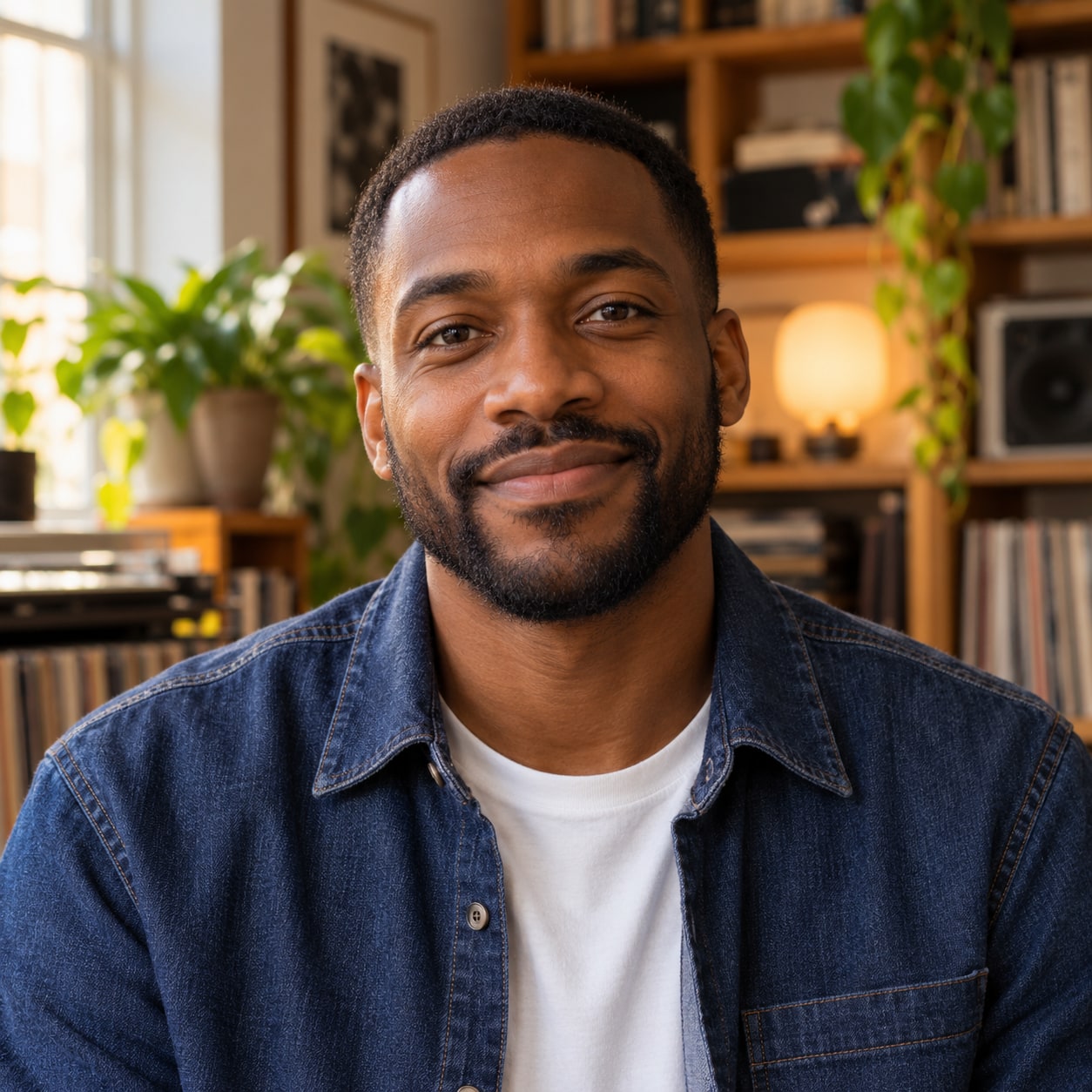 Backup singer 2AI-generated · default bandmate
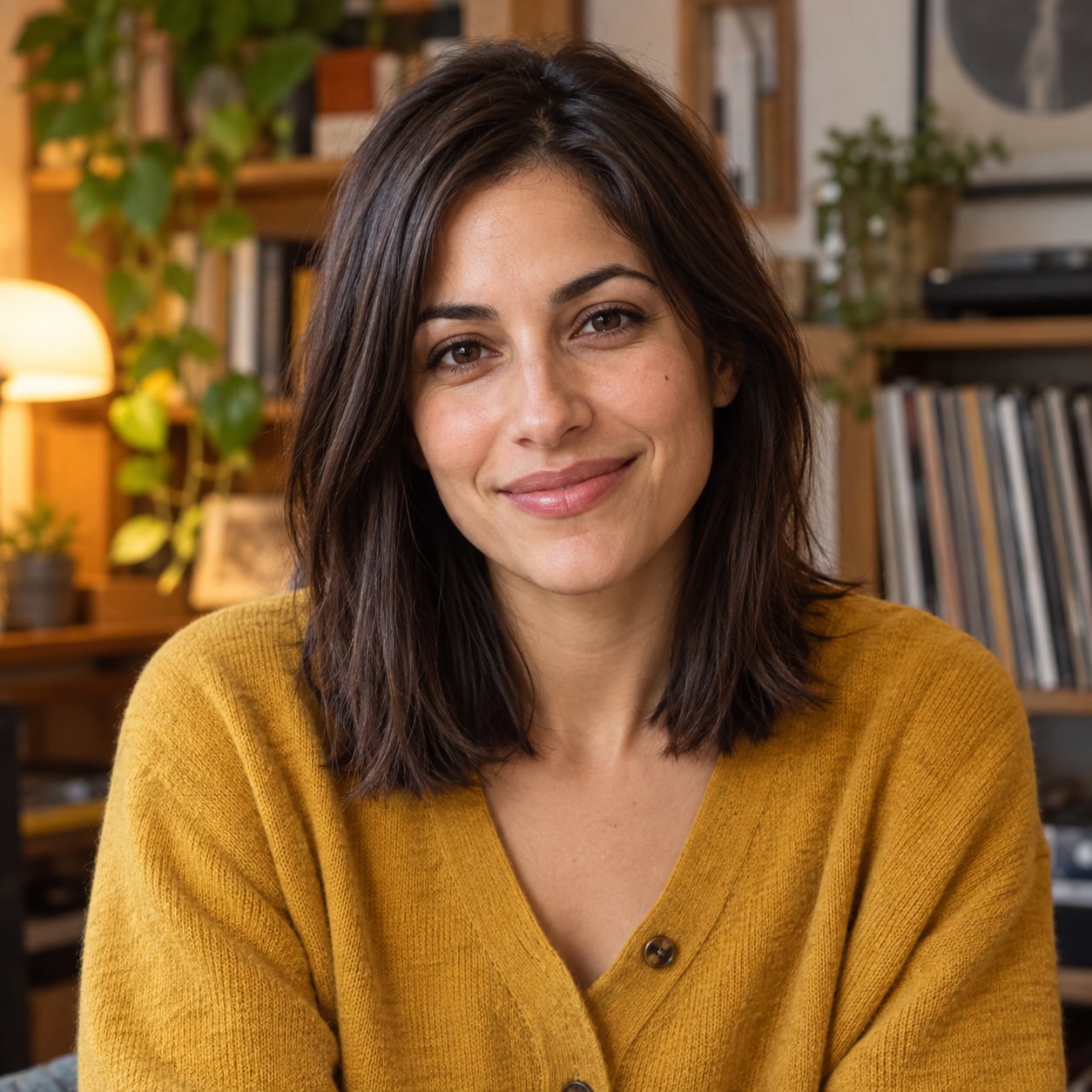 Keyboard playerAI-generated · default bandmate
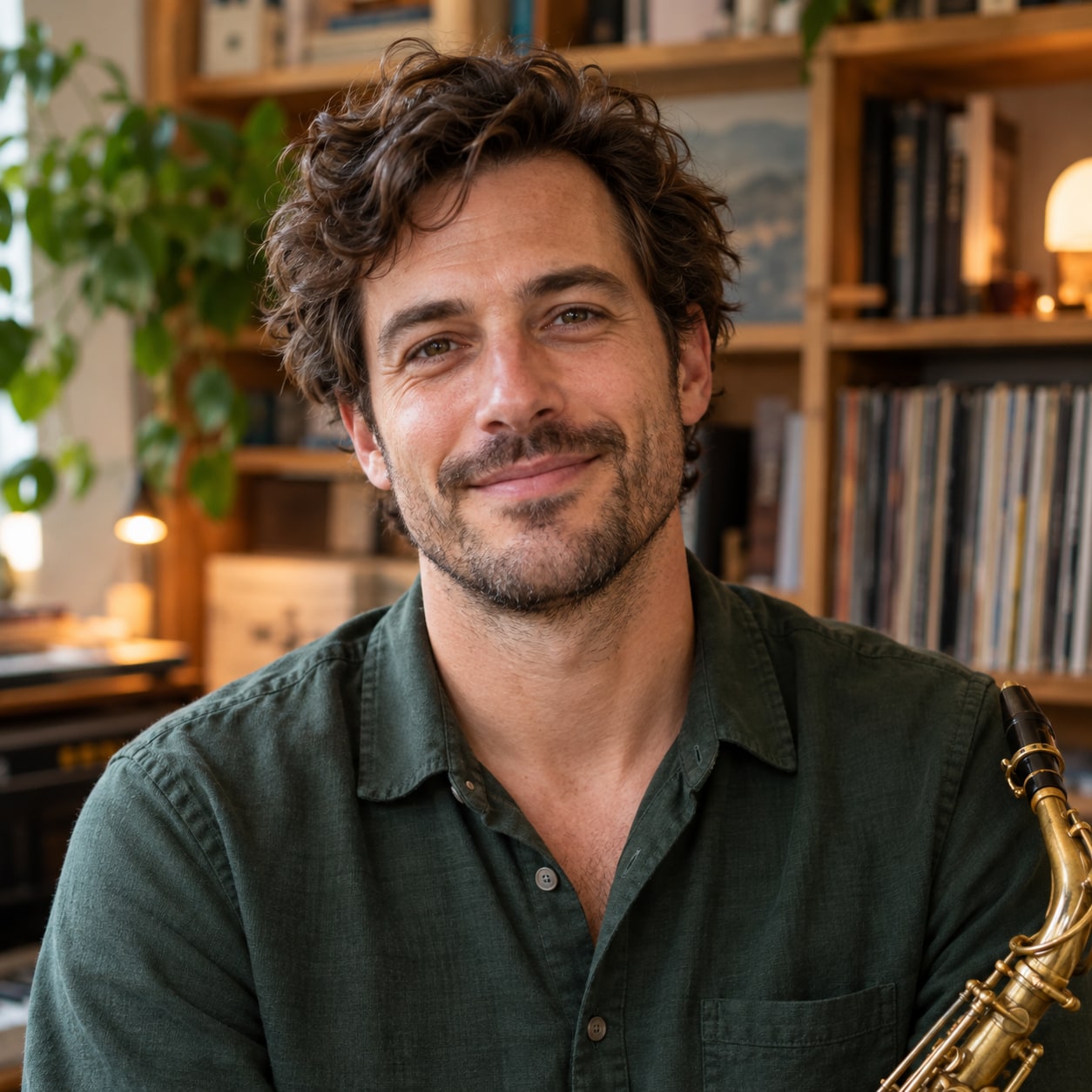 Saxophone playerAI-generated · default bandmate
The four bandmates are AI-generated portraits of fictional adults. Keep them, or replace any of them with a photo you have permission to use.
Start creating02Setlist
From photos to a performance
Four takes from photos to a finished clip. You stay in control of the moment a paid task is created.
- 01Add one clear lead-singer photo, then keep or replace any of the four AI-generated supporting bandmates.
- 02Check the photo in each role, then choose the model, duration, frame shape and resolution.
- 03Sign in and click Generate video once when you are ready. Photo upload and checking run automatically first; each video uses the credits shown.
- 04Follow the task status, preview the result and download the video.
03Spec sheet
A compact concert, built around your cast
- Cast
- 5 fixed roles
- 时长
- 10s · 15s
- 画幅比例
- 9:16 · 16:9
- 清晰度
- 480p · 720p · 1080p
- Photo files
- JPG · PNG · WebP, ≤10 MiB
Choose 10 or 15 seconds, a 9:16 or 16:9 frame, and an available output resolution. Available settings do not guarantee that every image and combination will produce an equally good result.
Seedance 2.0 models create a new music scene and performance from your photo references. This is an original AI-generated performance, not a restoration of a recording or an exact copy of a concert.
The prompts ask for recognizable faces, natural adult proportions and coherent musical motion. Faces, hands, instruments, body shape and audio synchronization can still vary; review the finished clip before sharing it.
04Video wall
Real video examples
Only finished five-piece performances approved for public display belong in the gallery; private user generations are not automatically published.
Five-piece band: lead singer, three AI bandmates and a custom sax player
Seedance 2.0 Fast · 10s · 9:16 · 720p
Five-piece band: lead singer with the four default AI bandmates
Seedance 2.0 Fast · 10s · 9:16 · 720p
Five-piece band: lead singer with custom bandmates
Seedance 2.0 Fast · 10s · 9:16 · 720p
05Guides
Plan your first video
Good source photos and clear role choices help set useful expectations. Read the photo guide before using a tightly cropped portrait. If you found the product through an Outstanding-style clip, check how this original-generation workflow differs from copying an existing performance.
FAQ
Frequently asked questions
Short, direct answers. The full workflow and photo rules live in the guides.
How can I turn my photo into a Tiny Desk video?
Open the generator, upload one clear lead-singer photo and select your settings. Four AI bandmates are included by default, and you can replace their photos individually before creating a task.
Do I need photos for all five performers?
No. Only the lead-singer photo is required. The other four fixed roles begin with AI-generated portraits, which you may keep or replace one at a time.
Does Tiny Desk AI reproduce an official concert?
No. It generates an original office-concert-style scene. Tiny Desk AI is independent and is not affiliated with or endorsed by NPR or NPR Music.
Is generation free?
No. Free registration includes 0 credits, and each video uses credits based on its model, duration and resolution. The generator shows the cost and your balance before you create a task.
Keep exploring
- Create Your Own AI Tiny Desk Video
- Explore Tiny Desk AI Video Examples
- How to Create a Tiny Desk AI Video in a Few Simple Steps
- How to Choose the Best Photos for Your Tiny Desk AI Video
- Create Your Own Outstanding Tiny Desk AI Video
- What Is the Tiny Desk AI Trend? Create Your Own Version
- How to Choose the Best Tiny Desk AI Video Generator
Desk is set
Bring your cast to the desk.
Add one lead-singer photo, keep or replace the four AI bandmates, and create only when you are ready. Nothing is generated on page load.