Best Tiny Desk AI Video Generators: Features to Compare
The best Tiny Desk AI video generator for you is the one whose documented workflow matches your cast, performance idea, audio needs and delivery format. Compare specific features before judging a promotional clip. The shortlist below distinguishes this site, a specialist template and general video tools using dated primary sources; it does not invent a winner, price ranking or measured quality score.
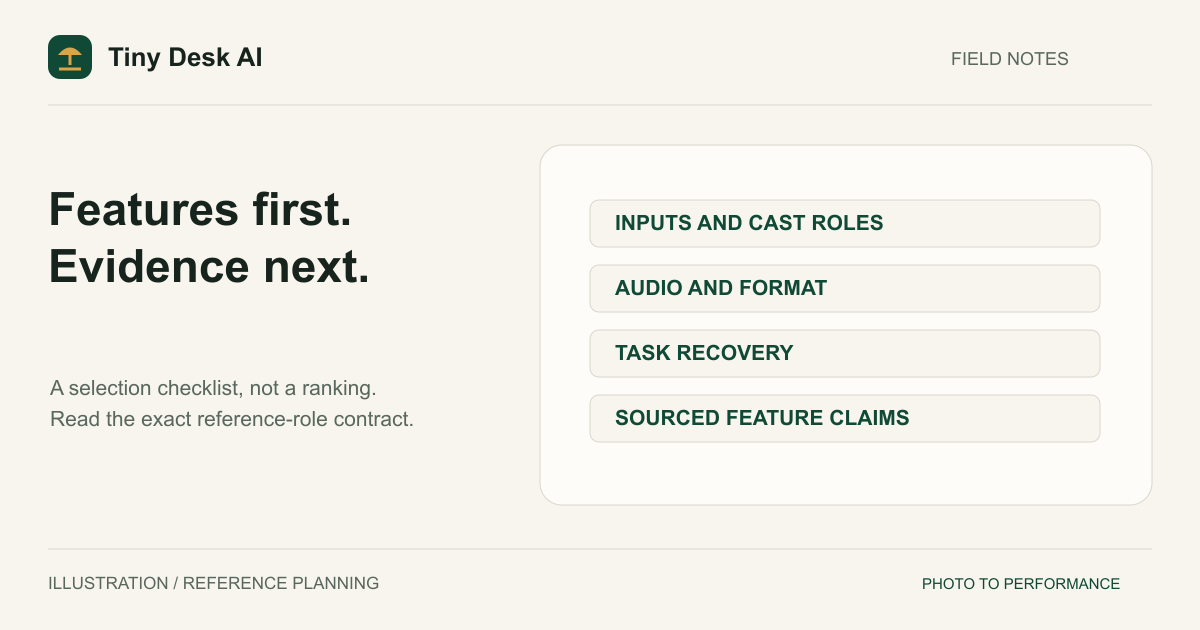
Write a Requirement Before Choosing a Tool
Start with one sentence describing a useful result. Perhaps two friends should be recognizable as singer and keyboard player, or five people should each retain a specific instrument role. Another creator may care more about matching an existing template or building a freely directed sequence.
List the requirements that would make the result unusable if they failed. Identity may matter more than room decor. A correct musical role may matter more than an extra camera cut. This helps you judge a product by the job you need, rather than the number of impressive claims on its homepage.
Keep optional preferences separate. You may prefer a particular layout or resolution without needing it in every output. A clear priority list prevents an incidental feature from deciding the purchase while an essential reference-role requirement remains unverified.
Check Reference Inputs and Performer Roles
Ask whether an image becomes a starting frame, an identity reference, a visual-style cue or a face assigned to a template position. Those are different input relationships. A service accepting five images does not necessarily mean it preserves five distinct performers.
Read the role labels. Five people can mean a lead singer, two backup singers, keys and saxophone in one workflow, or another arrangement in a different template. Do not assume an equal photo count produces equal cast control.
Check what happens when a slot is empty. Does the product require a complete line-up, generate a supporting person or retain a performer from an existing template? That decision changes what the final cast represents and how you should describe the result.
A Documented Shortlist of Different Workflows
Tiny Desk AI: this site's guided band workflow
This project offers one fixed five-piece band: a required lead-singer reference plus Backup singer 1, Backup singer 2, a keyboard player and a saxophone player. Those four supporting roles start as AI-generated portraits of fictional adults, and each can take your own reference photo instead.
Choose it when that defined performance brief fits your idea. Its form does not expose a general-purpose prompt editor or a specific-song upload control. Identity and anatomy are still subject to generation errors, so the documented roles must be checked in the output.
PutMeIn: inspect its Tiny Desk template contract
The PutMeIn Tiny Desk template page describes a lead photo and up to five role references, with unfilled positions retaining their performers. That is an advertised template workflow with its own cast arrangement. Read the actual seats before deciding it matches your group. We did not submit a paid task or verify its generated identities for this article.
Runway: inspect the selected image-to-video feature
Runway's image-to-video guide explains a starting-frame image with prompts describing motion. It is relevant when you want to direct a scene, rather than assume a dedicated Tiny Desk role form. The guide does not establish that a concert request will keep five named people correctly assigned to instruments. Verify the chosen feature instead of extrapolating from the brand name.
Adobe Firefly: inspect the keyframe workflow
Adobe's guide describes video creation using keyframe images and text prompts, with availability caveats. It belongs in a workflow comparison when those controls matter to your idea. We do not treat this documentation as a paid performance test or proof of a particular concert result.
Compare Audio and Deliverable Settings
Ask a precise audio question: generated sound, a user-supplied song, a real voice reference or visuals to edit alongside music? A general claim about music videos does not answer all four. Do not assume a photo supplies the person's actual singing voice.
This site's current form requests generated performance audio and exposes 10 or 15 seconds, 9:16 or 16:9 framing, and three Seedance 2.0 models with 480p or 720p output, plus 1080p on the standard model. Those are implemented choices, not a statement that every duration and resolution pairing has a published quality test. Check the current setup before creating a paid task.
For other tools, confirm the selected feature and account support the deliverable you need. Do not compare an advertised maximum from one feature with a default from another. This article deliberately does not quote prices or promise completion times; both require a current, like-for-like purchasing context.
Look Beyond a Successful Demo
Inspect the input-to-output relationship
A useful example should make clear what was supplied and what was generated. A beautiful video without visible references cannot establish how well a face was preserved. Likewise, five figures in a frame do not prove five uploaded identities were maintained.
Our Examples page contains approved public outputs, not a comparative lab dataset. A demo is evidence of that result, not a universal probability of success. Avoid treating a watermark-free clip or high pixel count as a substitute for identity review.
Check recovery and ownership
Look for clear task status, a way to retrieve an existing result, download access and an explanation of uncertain submissions. A slow page response should not force you into creating another paid request simply to find the first video. Also inspect the service's current retention and deletion information.
Review mistakes that matter to your project
Check faces through motion, normal adult body scale, correct instruments and room continuity. The consistency checklist offers a repeatable approach. No documentation comparison here establishes that one vendor has the highest identity accuracy.
Make a Decision You Can Explain
Match the written requirement to the documented workflow. A specialist template may fit a precise preset concept. A guided band form may fit the current reference-role arrangement. A general tool may fit a more open scene and editing process. These are reasons to investigate, not measured performance rankings.
Before submitting anything, confirm the current feature availability, total cost and permission to use the references. If this site fits, read the homepage and open the generator. Review settings deliberately rather than assuming the word best implies a free trial or guaranteed result.
FAQ
Is this an independent ranking?
No. Tiny Desk AI publishes this article about its own product and alternatives. It is a sourced feature-selection guide, not an independent test lab or a numbered winner list.
Which option has the best face accuracy?
No comparable paid-generation benchmark was performed here, so we do not make that claim. Documentation establishes features and workflow descriptions, not a measured accuracy ranking.
Should I choose the tool with the most reference slots?
Only if those slots have the meaning and roles you need. Reference count, identity control and final cast size are separate things to verify.
Sources and Review Scope
Public pages checked 1 November 2026: PutMeIn's Tiny Desk template, Runway's image-to-video guidance and Adobe Firefly's image workflow. External features above are descriptions from those sources, not account-level or output-quality verification. No competitor footage, review scores, user testimonials or price figures were copied into this article.