Tiny Desk AI Video Aspect Ratio: 9:16 vs 16:9
Choose 9:16 when a tall, phone-oriented presentation is the priority, and 16:9 when you want more horizontal space for the band and instruments. Neither format is always better for Tiny Desk AI. Decide where the video will be watched and which performers must remain readable before generating; a later crop cannot reliably recover people or instruments outside the delivered frame.
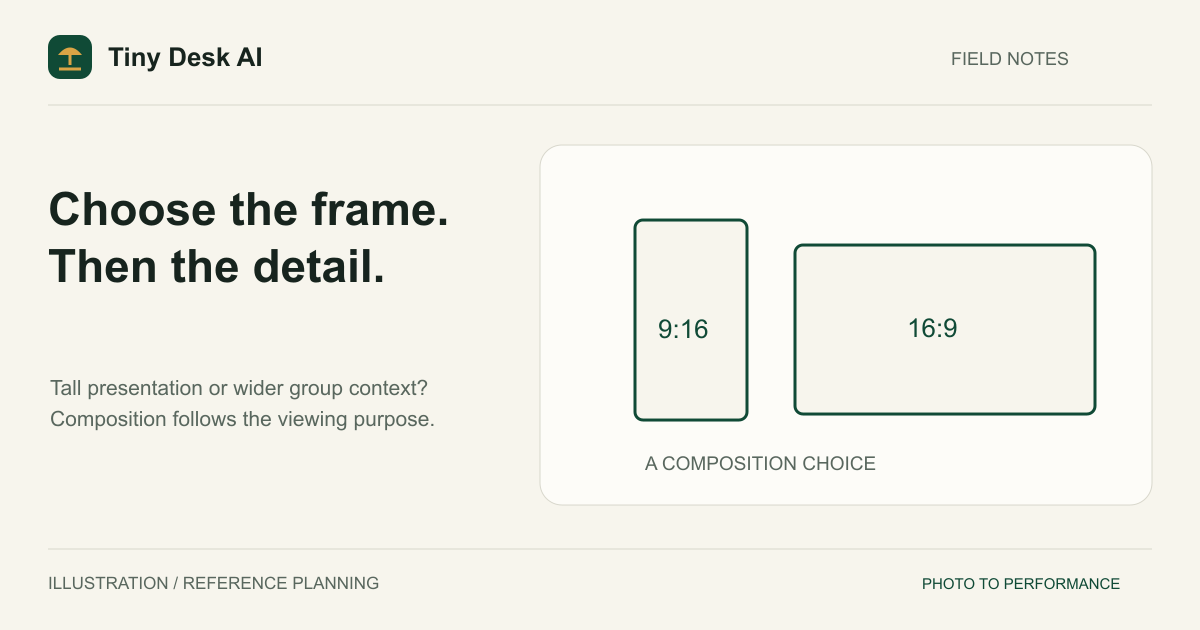
What the Two Ratios Actually Change
Aspect ratio describes width relative to height. A 9:16 frame is taller than it is wide; a 16:9 frame is wider than it is tall. This changes the available composition, not simply how large a video player appears on your screen.
Do not confuse the reference photo with the output format. A portrait-oriented photo can guide a person in a horizontal concert scene. You do not need to stretch that photo into a landscape image before uploading it. Preserve the source proportions and choose the video format separately.
Tiny Desk AI keeps the choice deliberately focused on 9:16 and 16:9. Pick the frame for its destination instead of treating aspect ratio as decoration.
When a Vertical Frame Makes Sense
A phone-first viewing experience
A tall frame is a practical starting point when the destination is a vertical social feed or a full-height phone presentation. It can emphasize the singer, microphone and standing posture while placing other musicians behind the main performer.
Leave room for the actual viewing interface. Account names, captions and controls can overlap a video in an app. The exact interface depends on the destination and placement, so inspect its upload preview instead of relying on one supposedly universal safe-area diagram.
A limited number of visual priorities
Vertical framing works best as a deliberate hierarchy: perhaps the singer first, then the keyboard player, with the room providing context. Trying to keep five people equally large and side by side in a narrow frame can conflict with natural body proportions and clear instruments.
This is a planning tradeoff, not a promise about the model. A 9:16 request can still hide a performer or crop a gesture. Review the output for what is actually visible rather than assuming the selected ratio solves composition automatically.
When a Horizontal Frame Helps
Clearer side-by-side relationships
A horizontal frame provides more lateral room for a singer, keyboard player and saxophone player. That can be useful when comparing which person is playing which instrument or establishing a shared performance space. It does not guarantee that every musician remains unobstructed in every shot.
Watching on a wide screen
Choose 16:9 when the video belongs in a landscape presentation, a wide page layout or a viewing setup where horizontal composition is intentional. You can still create a singer-focused medium shot within that scene; wide format does not require every shot to be a distant group view.
If your final destination is vertical, understand the cost of starting wide. A center crop may remove the saxophone player or the keyboard. Letterboxing can preserve the frame but changes how much screen space the performance occupies. Neither creates new footage of a missing person.
Plan the Frame Around Your Band
Every video stages the same five roles. The lead singer is the center of the concept, so you can choose a format based on the singer and the intended viewing destination, while still checking the four bandmates and room continuity.
The two backup singers must remain distinct from the lead and from each other. A horizontal frame offers room beside the singer for both of them; a vertical frame tends to place them behind the lead in depth. Check every face and microphone rather than only the lead.
The keyboard and saxophone players add the main spatial demands. Consider a horizontal frame when clear group separation is the main requirement. A vertical composition may prioritize the front performers while using depth for the others, which makes a readable ensemble view especially important.
The five-photo tutorial explains the role cards. Changing ratio never changes that mapping: the photo on the saxophone card remains the intended saxophone player, regardless of where the model places that person in the scene.
Keep Duration and Resolution Separate
The current site exposes 10- and 15-second durations. Selecting 15 seconds asks for a longer clip; it does not widen the frame, add missing cast members or guarantee more effective camera coverage. A short, clear performance can be more useful than a longer one with unstable identities.
Likewise, 480p, 720p and (with the standard model) 1080p concern output resolution. They are separate from 9:16 and 16:9. A high-resolution vertical video is still narrow, and a lower-resolution horizontal video still has the same wide shape. Use the resolution guide to make that second decision without treating it as a cure for framing errors.
Public examples demonstrate their own recorded settings. They do not establish that every duration, ratio and resolution combination will preserve all reference people equally well.
Choose Before You Generate
Write down the destination first, then the most important visual relationship. For example: a vertical singer-led post, or a horizontal five-person band overview. This makes the format choice easier to justify than picking whichever button looks familiar.
Open the generator, check the photo on each role card and choose the ratio before creating the task. Check the duration and resolution independently. Photo upload and checking happen automatically when you click Generate video. Changing a form selection alone does not start a task or spend credits.
After completion, watch the whole clip in the delivered shape. Inspect faces near the edges, hands reaching instruments and the visibility of rear performers. If you plan to publish elsewhere, review a draft upload as well. The social-video guide covers that final review without promising platform acceptance.
FAQ
Can I change the ratio after generation?
Changing the form affects a future request, not a completed task. A video editor can crop or place the delivered file in another canvas, but it cannot reveal content the generation never included.
Is 16:9 always better for a five-piece band?
No. It provides more width, which may support group separation. A well-composed vertical result can still be useful, and a wide result can still contain missing or incorrect identities.
Should the source photo match the video shape?
No. Choose a useful portrait and preserve its natural proportions. The photo guide helps you assess reference framing independently of output format.
Where should I start if the purpose is unclear?
Return to the homepage and decide whether to emphasize the lead singer or the wider five-piece band, and which AI bandmates to replace with friends. Format follows that purpose; it should not substitute for defining it.
Source and Scope
Checked 1 November 2026: TikTok Auction In-Feed Ads specifications recommend vertical 9:16 for the documented ad placement. That is advertising guidance, not a universal organic-upload rule. The composition choices above are editorial recommendations, not platform certification or a paid model benchmark.